01
Overview
Flaskについて
PythonでWebサイトやWebアプリを構築するための「マイクロフレームワーク」です。
使用機材
· ステッピングモーター
· モータードライバ
02
Structure
基本構成
app.py
from flask import Flask, render_template, request, redirect, url_for

app = Flask(__name__)

@app.route('/')
def index():
    a = "Nori"
    return render_template("index.html", txt=a)

if __name__ == '__main__':
    app.run()
03
Template
プログラム例 — for
app.py
{% for data in list %}


{% endfor %}
html
<h1>テスト</h1>
<div>
    {% for i in range(10) %}
        {{txt}} --- {{i}}<br>
    {% endfor %}
</div>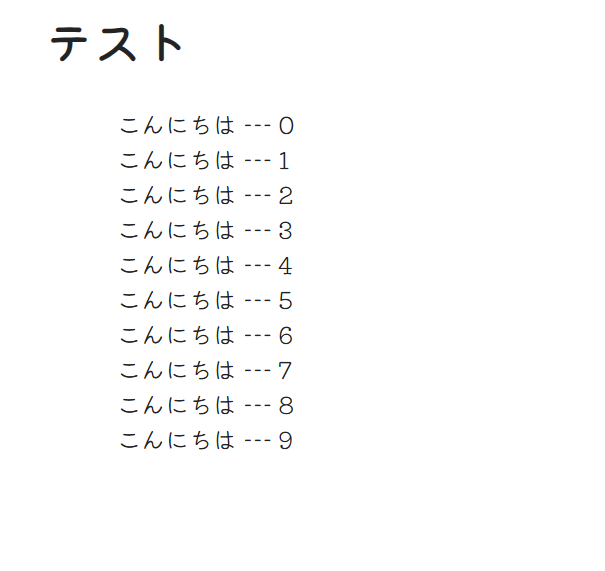
04
Template
プログラム例 — if
app.py
{% if ○○ %}
:
{% elif ×× %}
:
{% else %}
:
{% endif %}
html
<h1>テスト</h1>
<div>
    {% for i in range(10) %}
        {% if i%2==0 %}
            {{txt}} --偶数-- {{i}}<br>
        {% else %}
            {{txt}} --奇数-- {{i}}<br>
        {% endif %}
    {% endfor %}
</div>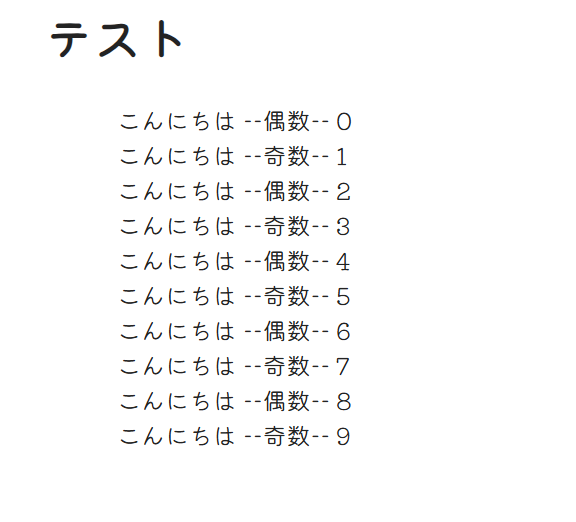
05
Data
CSVを表示
app.py — CSV読み込み
from flask import Flask, render_template
from csv import reader
import os

app = Flask(__name__)
BASE_DIR = os.path.dirname(os.path.abspath(__file__))

@app.route('/')
def index():
    csv_path = os.path.join(BASE_DIR, 'mmcsv.csv')
    with open(csv_path, 'r', encoding="utf-8") as csv_file:
        csv_reader = reader(csv_file)
        list_mm = list(csv_reader)
    return render_template("index.html", mmlist=list_mm)

if __name__ == '__main__':
    app.run()
html — リスト表示
<h1>テスト</h1>
<div>
    {{ mmlist }}
</div>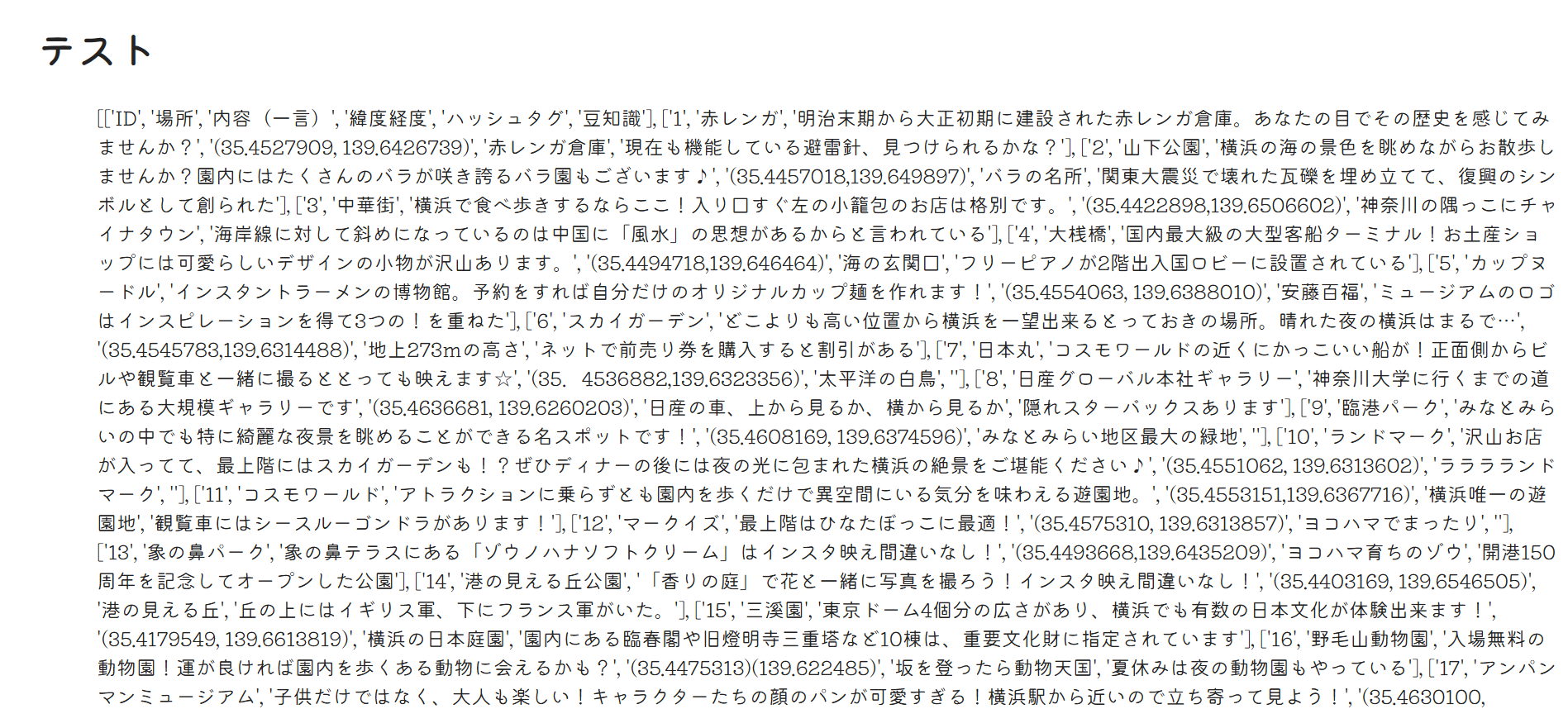
html — 列指定表示
<h1>テスト</h1>
<div>
    {% for data in mmlist %}
        {{ data[1] }},{{ data[3] }}<br>
    {% endfor %}
</div>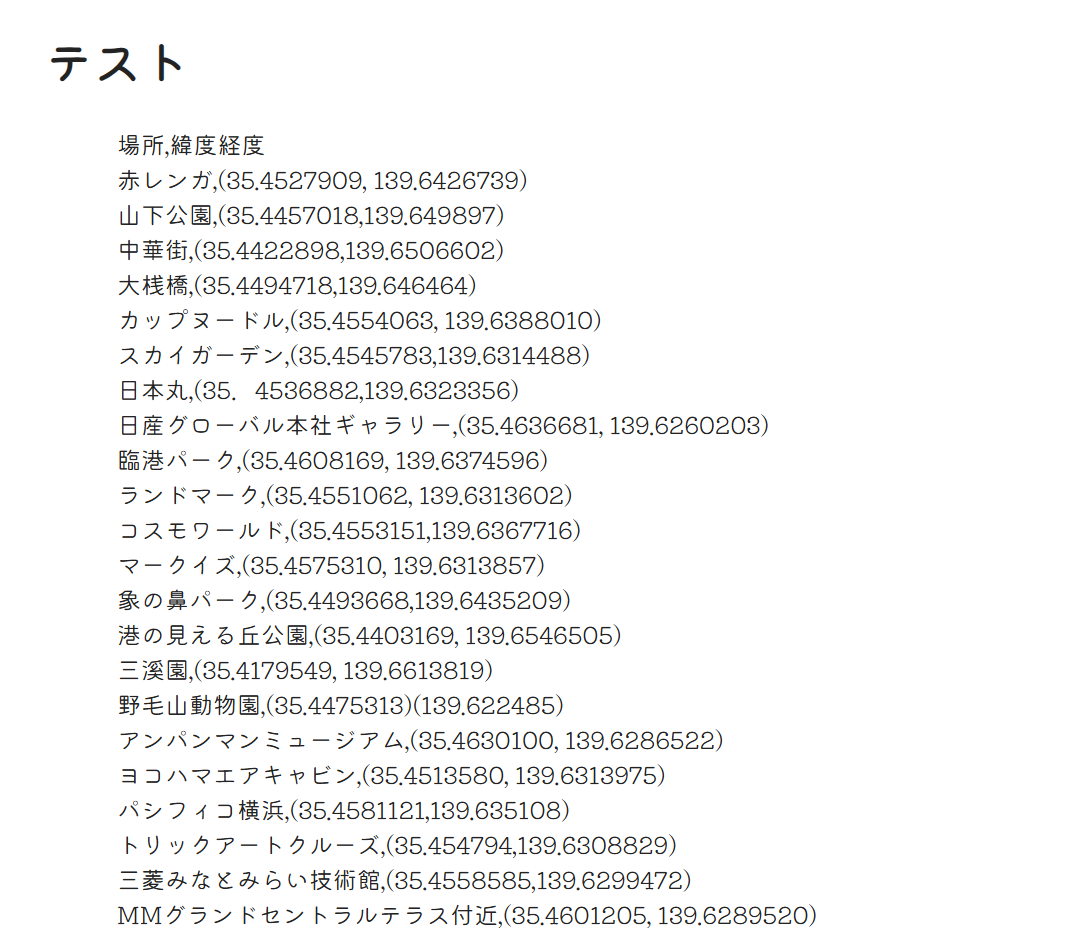
app.py — GoogleMapsリンク生成
@app.route('/')
def index():
    with open(os.path.join(BASE_DIR, 'mmcsv.csv'), 'r', encoding="utf-8") as csv_file:
        csv_reader = reader(csv_file)
        list_mm = list(csv_reader)

    for data in list_mm:
        data[3] = "https://www.google.com/maps?q=" + \
                  data[3].replace("(","").replace(")","").replace(" ","")

    return render_template("index.html", mmlist=list_mm)

if __name__ == '__main__':
    app.run()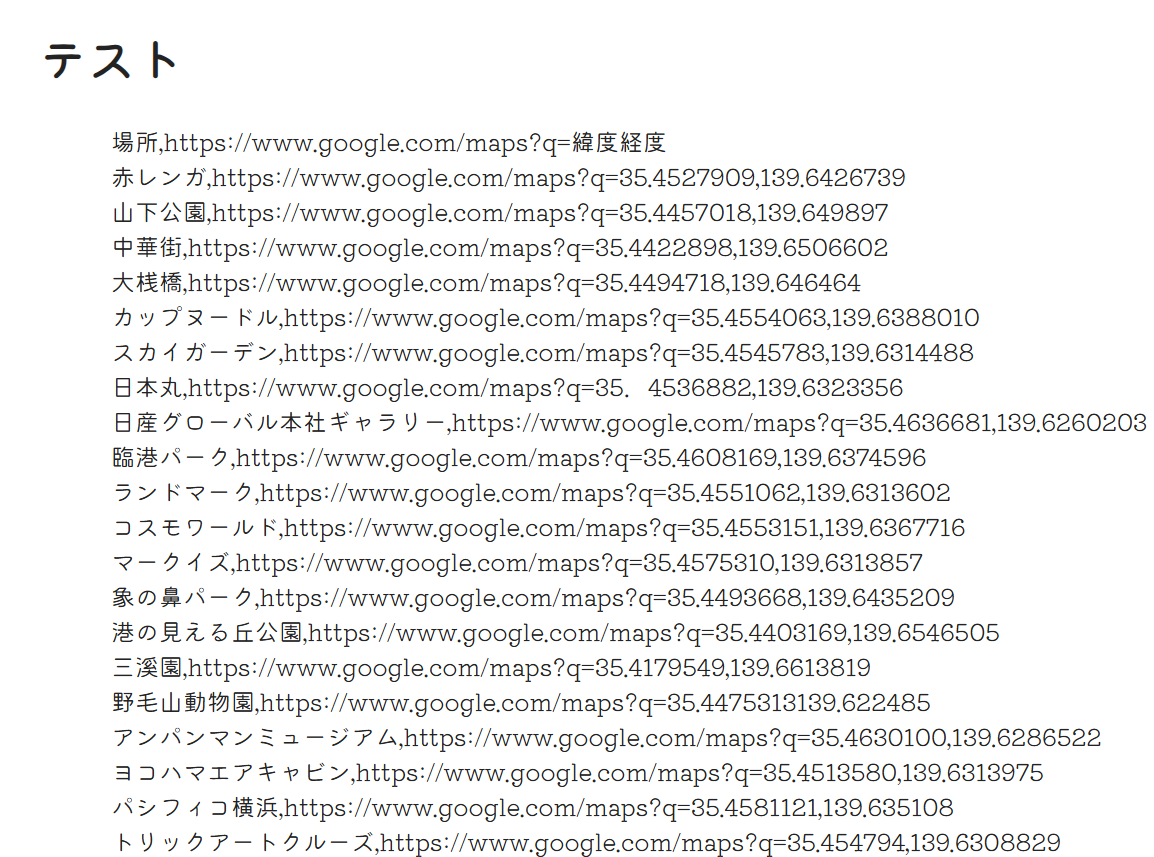
html — 条件付きリンク
<h1>テスト</h1>
<div>
    {% for data in mmlist %}
        {% if data[1]=="場所" %}
            {{ data[1] }}<br>
        {% else %}
            <a href={{ data[3] }} target="_blank">{{ data[1] }}</a><br>
        {% endif %}
    {% endfor %}
</div>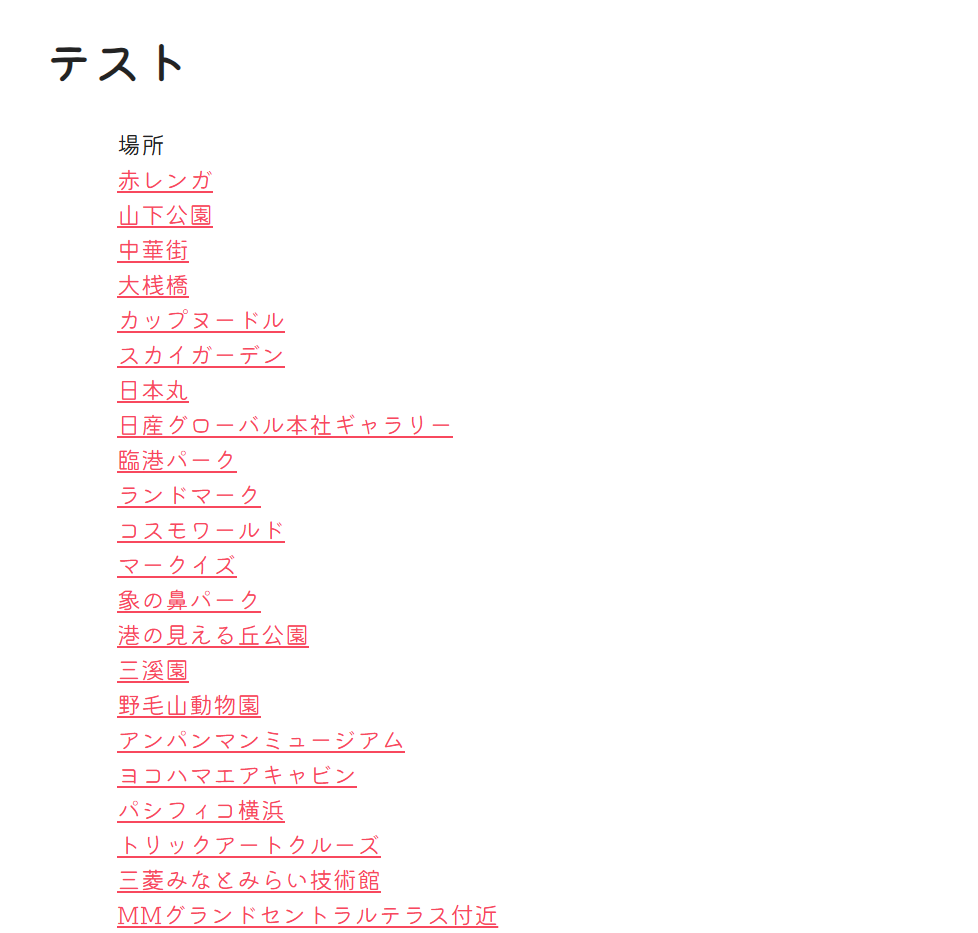
06
バックエンドと
Concept
バックエンドと
フロントエンド
Frontend
ユーザーが直接見て操作する部分です。HTML・CSS で見た目を作り、JavaScript(ReactやVueなどのフレームワーク)で動きをつけます。
Backend
ユーザーからは見えない部分で、サーバー側で動いています。ログインの認証、商品の在庫チェック、決済処理など「ロジック」を担い、データベースとやり取りしてデータを保存・取得します。